
Loox reviewsUpdated 2 months ago
Scenario: Handling Bad Reviews (1-3 Stars) Received via Loox
HERE is an instruction video.
Step 1: Identify the Customer's Email Address
- Open the Loox review notification email.
- Locate the customer's email address.
- Important: Do not send a reply to the Loox email address as it is a no-reply email.
Step 2: Replace the Loox Email Address
- Copy the customer’s email address.
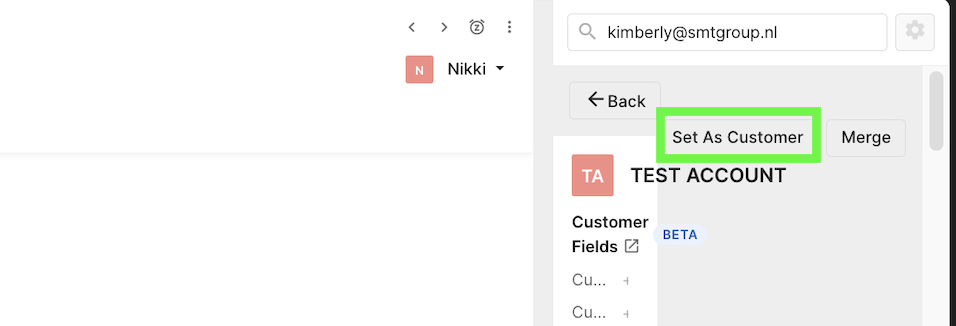
- fill out the customer emailaddress on the upper right searchbar in Gorgias and once found select 'set as customer'
- NEVER use the option Merge when working in a loox ticket
Step 3: Check for Feedback
- If the customer left feedback, review the comments to understand their issue. The feedback will be displayed in the email.
Step 4: Contact the Customer
If Feedback Was Left:
- Send an email addressing the issue mentioned in the feedback, similar to how you handle regular complaints.
- If No Feedback Was Left:
- Reach out to the customer asking for clarification and how you can assist them.
- Reach out to the customer asking for clarification and how you can assist them.